PD Suite manual
Design your pool
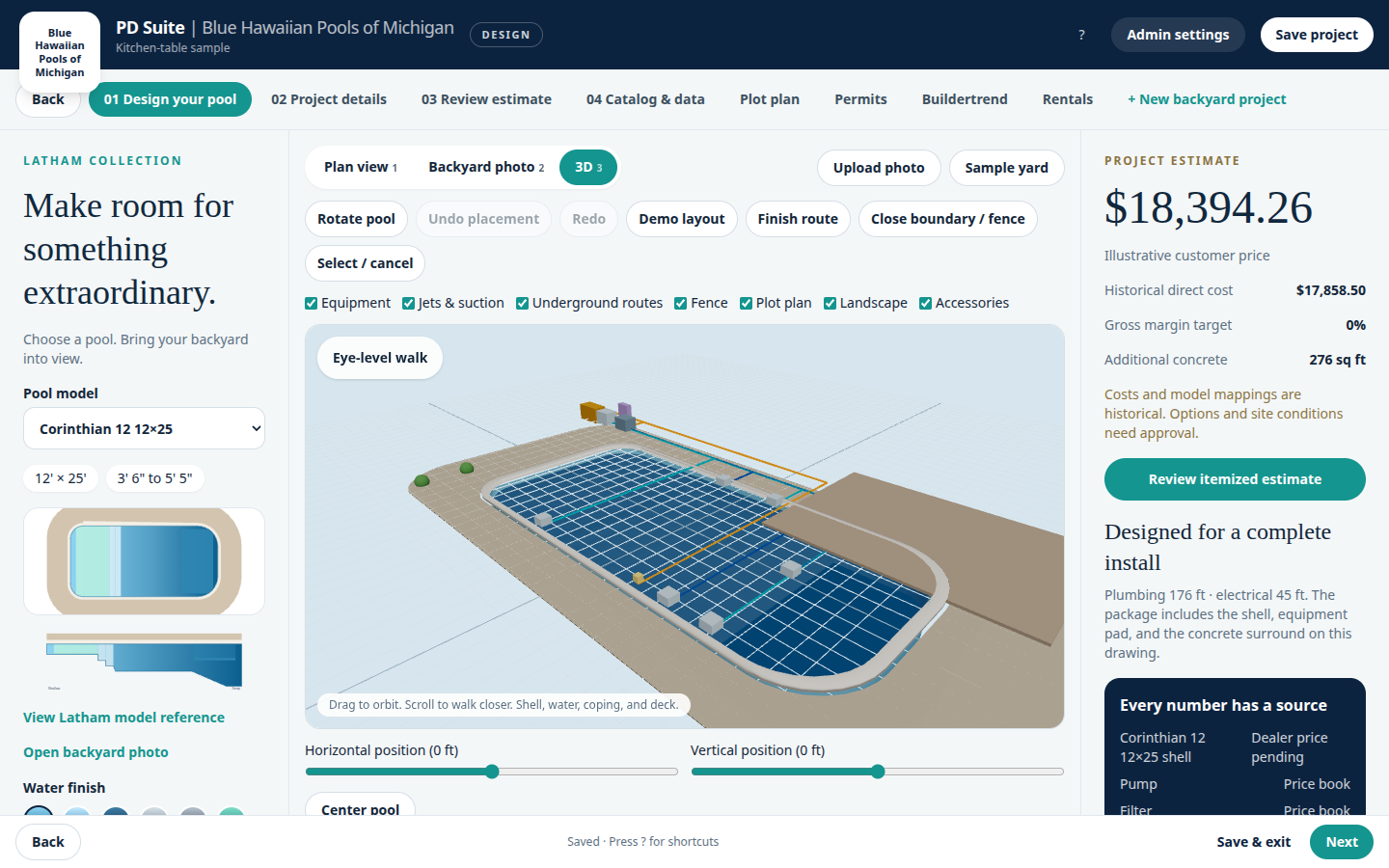
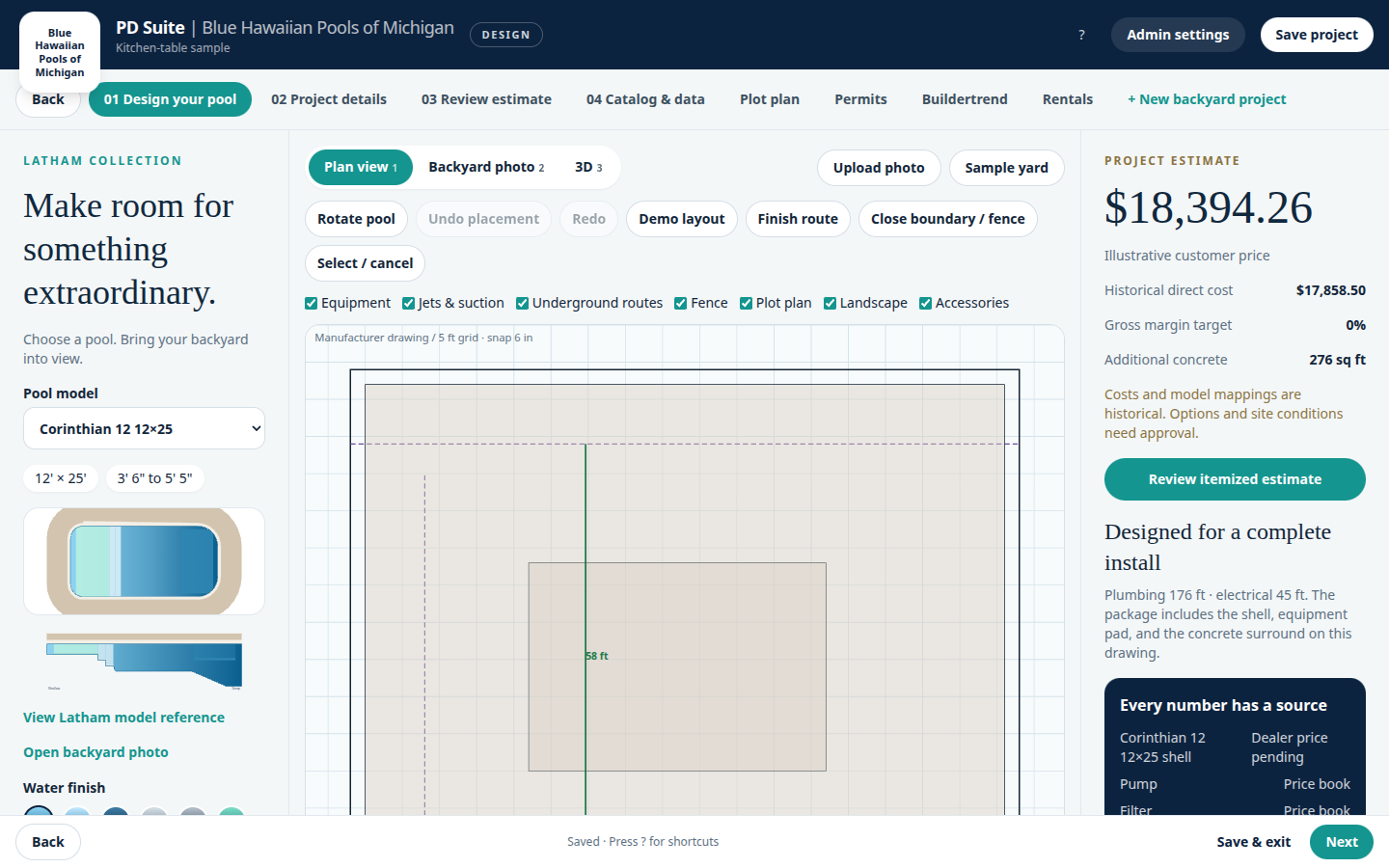
The design tab is three columns. The left column picks the shell, finish, concrete surround, and rotation. The center is the drawing. The right column is the live price.
- Pool model, dimension chips, and the colorized manufacturer drawing.
- Water finish swatches. The shell is never a gray outline.
- Concrete surround slider sets the deck band used for setbacks.
- Plan view, Backyard photo, and 3D. Layer checkboxes show equipment, jets, routes, fence, the plot plan, landscape, and accessories.
- The plot plan layer is the same property, house, septic, well, utility, and easement drawing used on the Plot plan and Permits tabs.